NHS Data Portal
Key Features
- Exact and Partial Matching
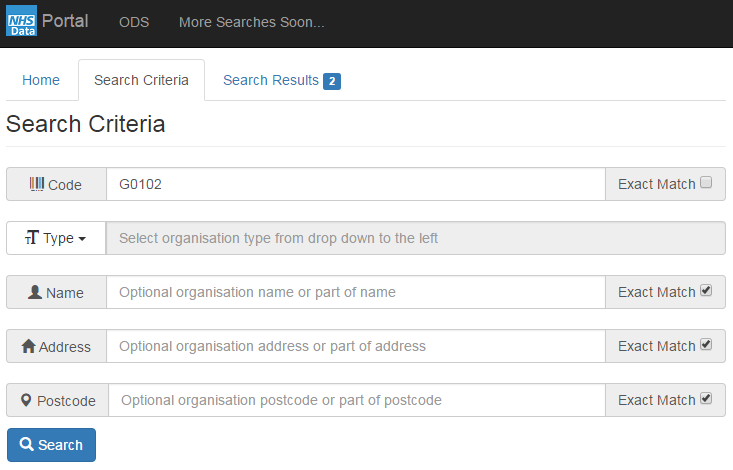
Each search parameter has an 'Exact Match' option. This forces the system to match on the whole value only. Turn off this option to find data that partially matches a search parameter. For example, a partial match on organisation code ‘G0102’ will return all organisations whose code contains this text. This is useful when the exact value is unknown.
- Links
Search results will highlight selected data as a link. Hover over the link to see tip text with a brief description of the links functionality.
- Code Links
Organisation codes in search results will be shown as links. Clicking a link will automatically initiate an exact match search for that code in all ODS data.
- Special Links
Some search results support special links. For example search results for current GP practitioners will highlight the practitioners name as a link. Clicking this link will automatically initiate a search of the history of that practitioner.